AI swimwear photography: which views does your ecommerce need?
A guide to front, back and detail views for presenting swimwear with AI without losing product information.
swimwearAI photographyswim shortsecommerce
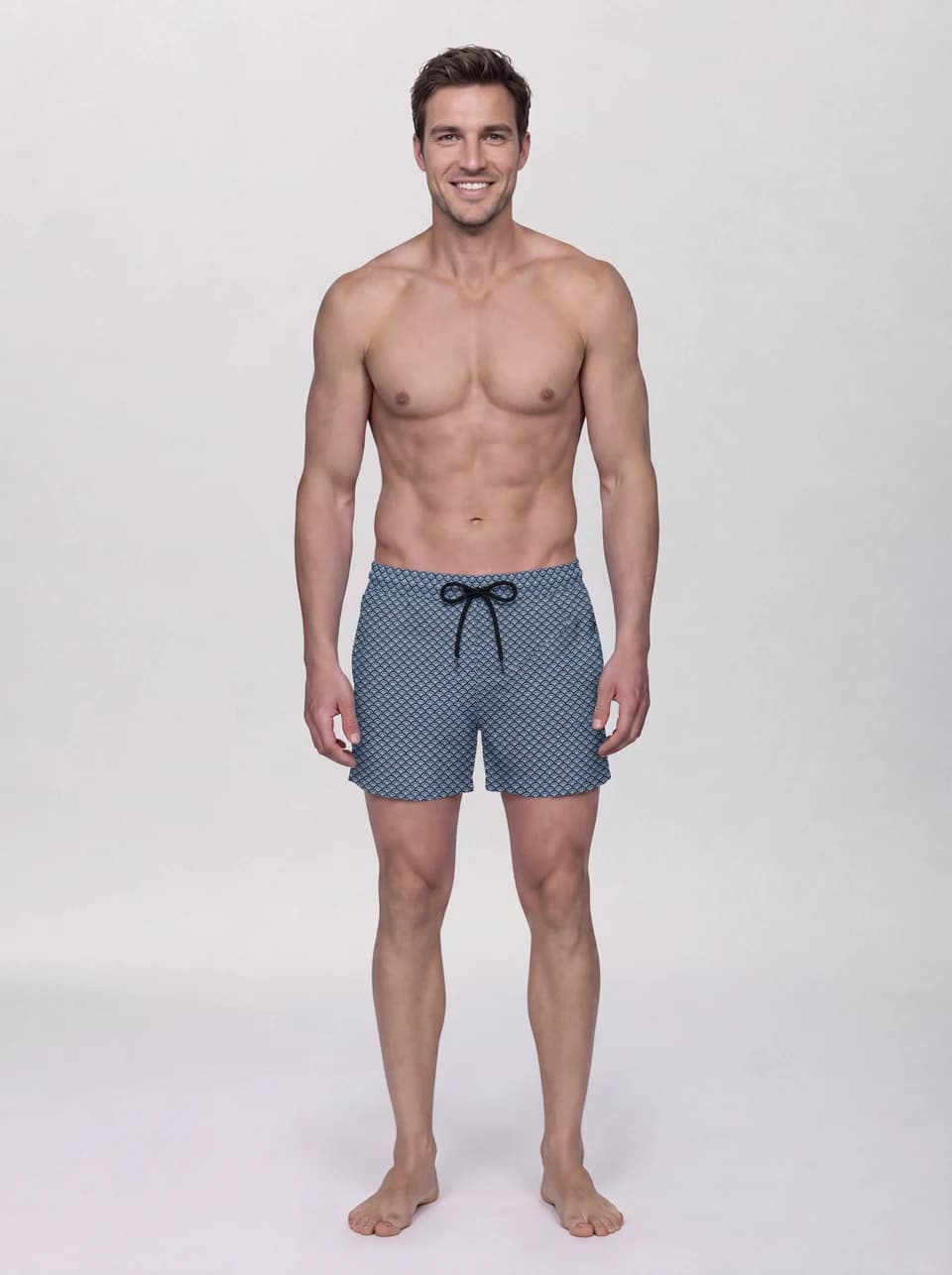
Cover: DELFI production for LEO. Blue swim shorts · front view.
A swimwear product page needs to explain the garment before setting a summer scene. In AI photography, start by defining what each shot should communicate: shape, coverage, print and finishing. Acting and brand context come next.
Our AI swimwear and underwear productions show LEO swim shorts in studio and campaign settings. This guide explains how to give each image a useful role in an ecommerce listing.
Front: make the silhouette easy to understand
The front view should clearly show the length, waistband, leg width and print placement. Excessive rotation can hide a side or distort the perceived width. Keep that acting for an additional image and use a main view that is easy to compare across products.
For bikinis or one-piece swimsuits, adapt the plan to the actual neckline, straps, cuts and coverage. This is general production guidance; the examples in this article are men's swim shorts for LEO.
Back: complete the information
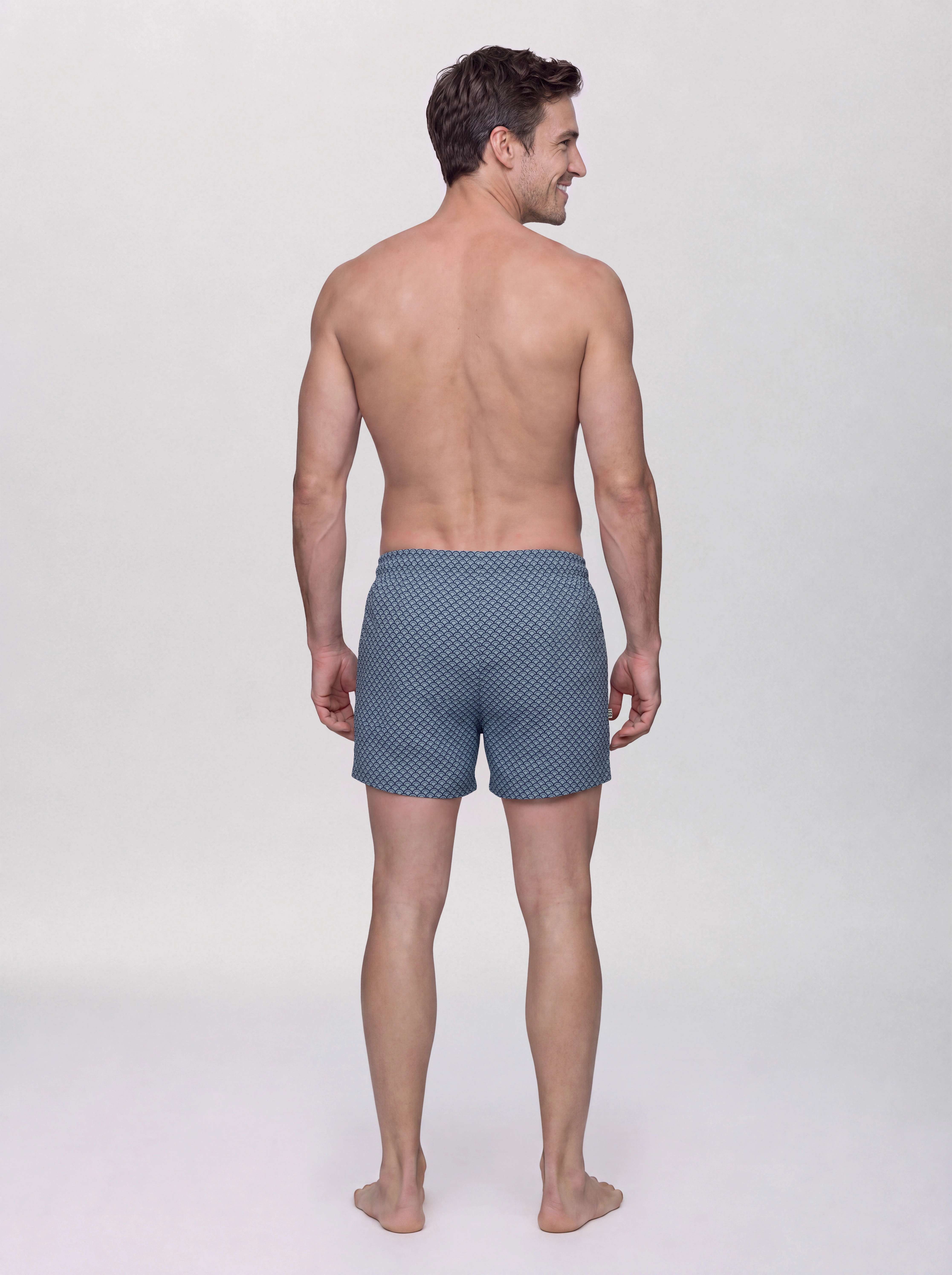
A rear view reveals the waistband and silhouette from another angle. The pose does not need to mirror the front exactly, but identity, proportions and lighting should remain consistent. Show pockets or rear closures when they exist; do not add features that are absent from the product.
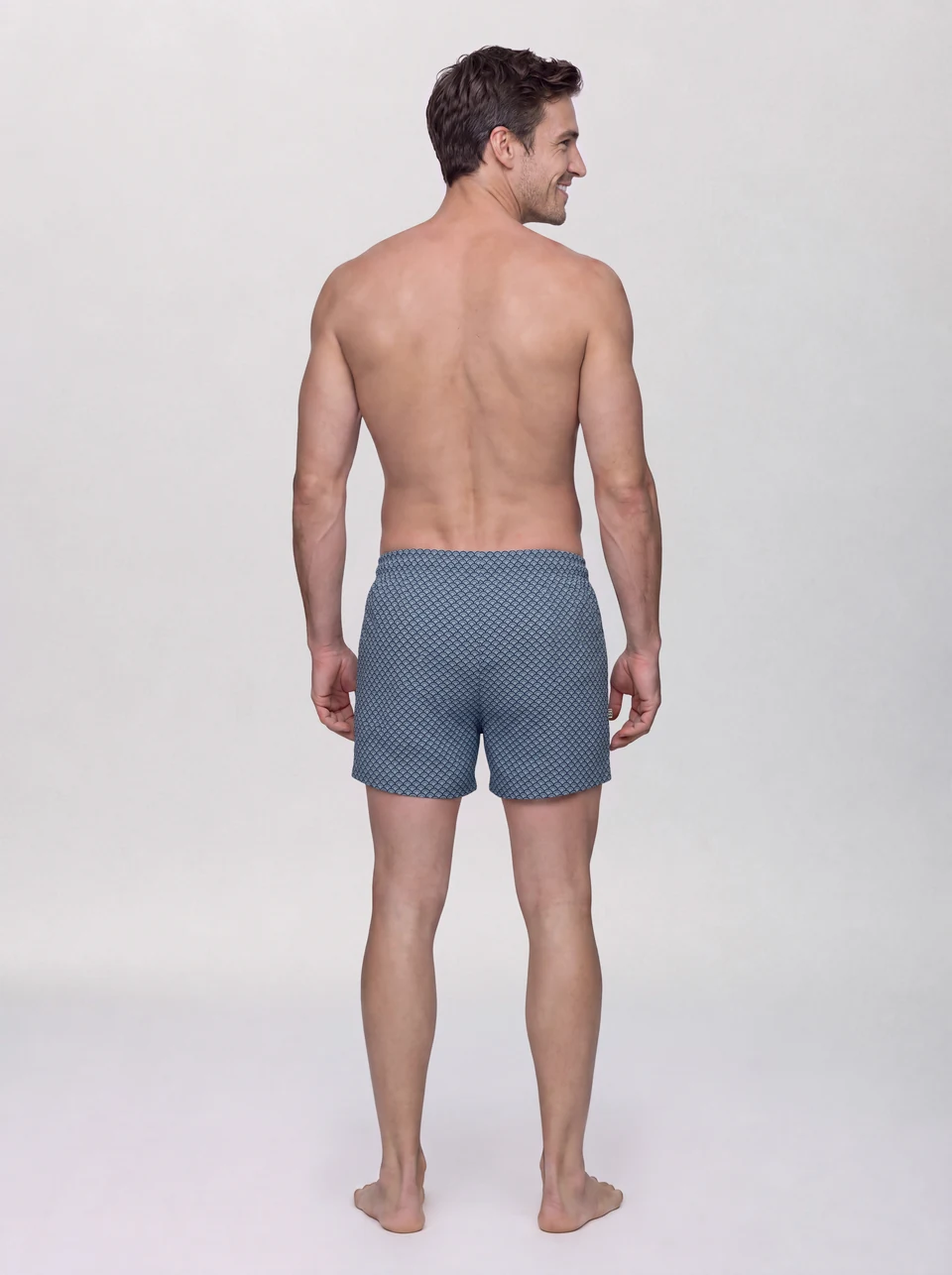
DELFI production for LEO. Blue swim shorts · back view.
Detail: add information that supports a purchase
Choose a detail for what it explains. On printed shorts, that might be the pattern beside the drawstring and waistband; on another garment, a finishing detail or an integrated accessory. A crop of skin does not replace a construction photo.
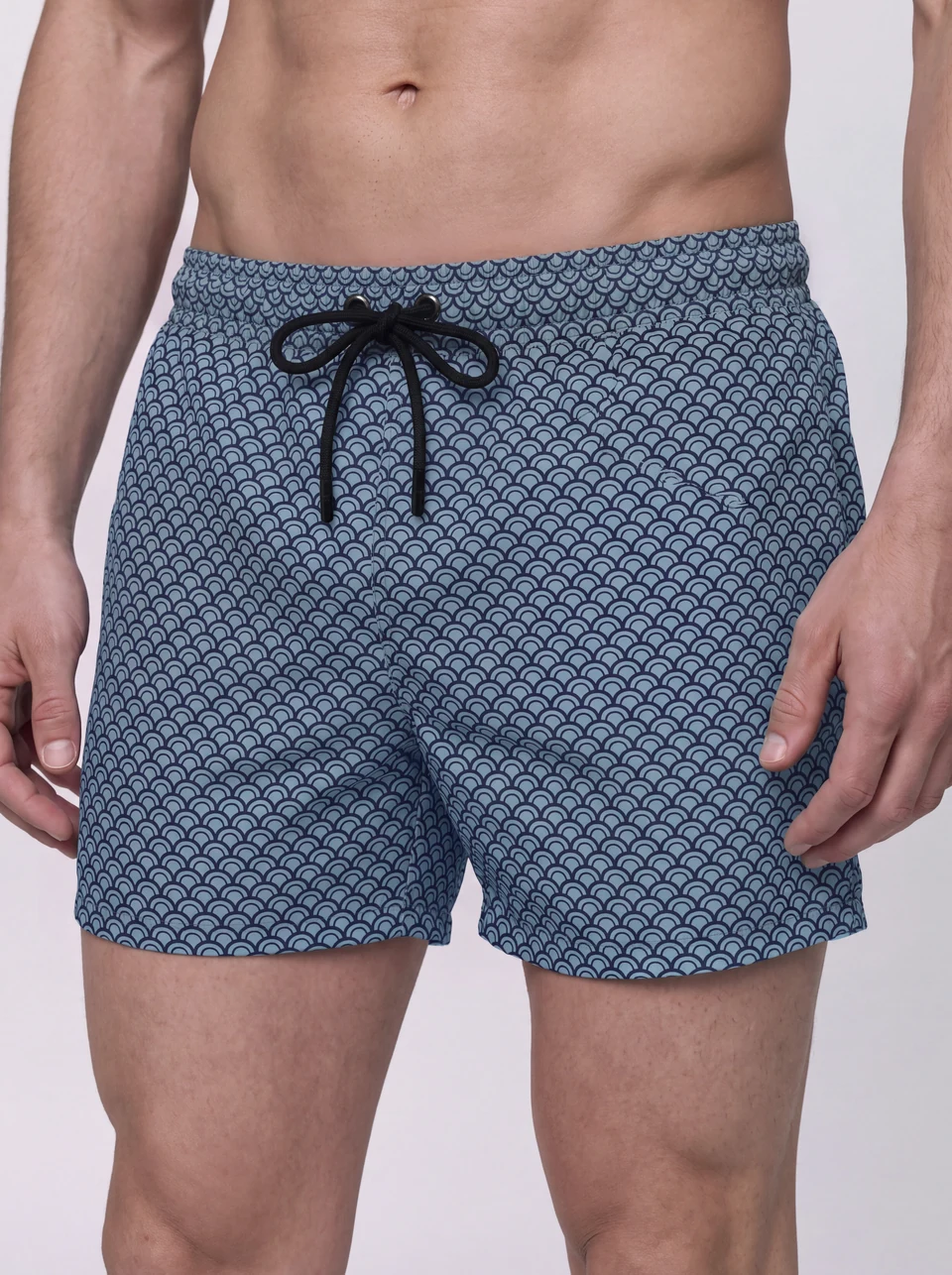
DELFI production for LEO. Blue swim shorts · print and drawstring.
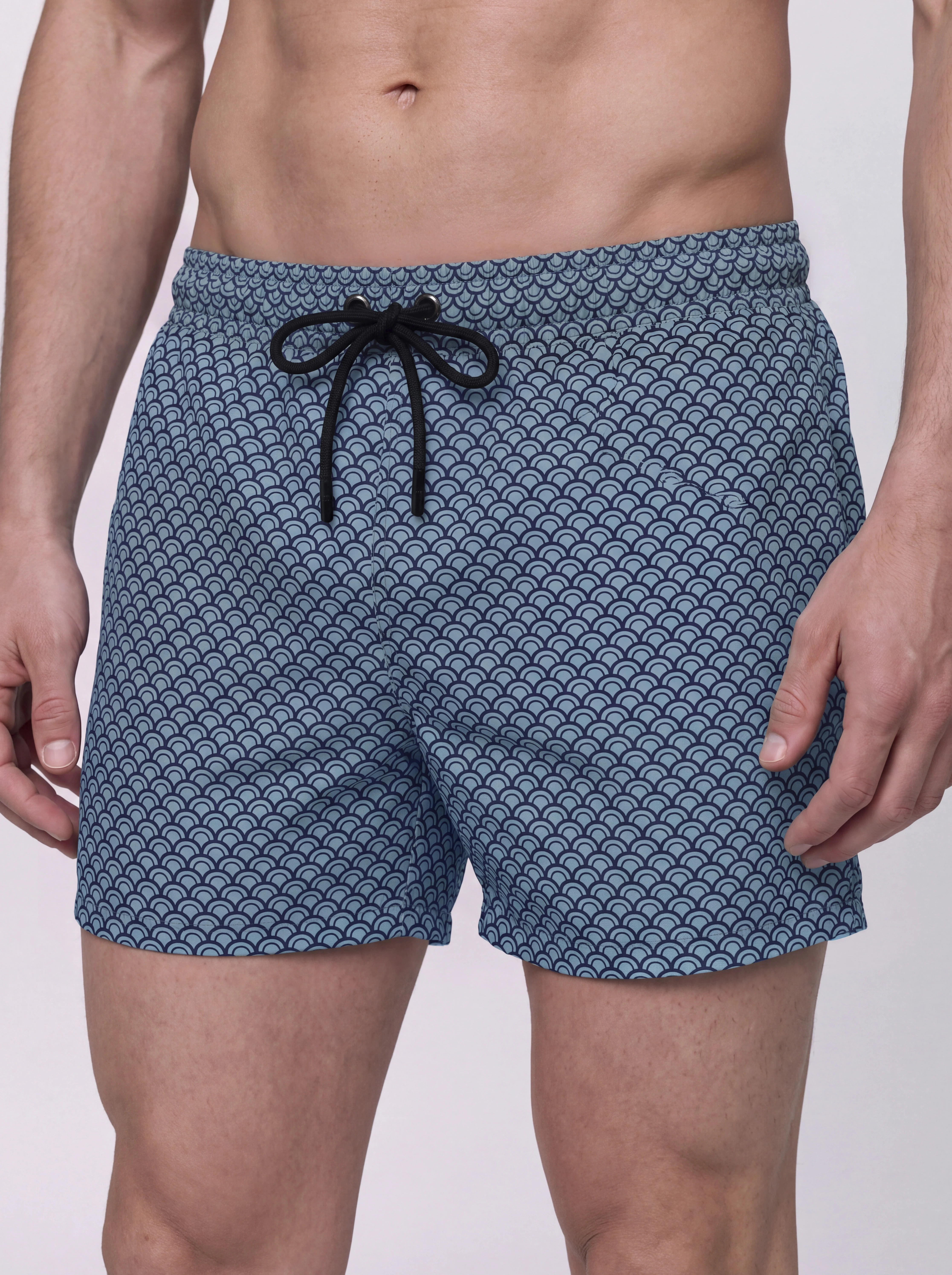
Check against the same SKU and color variant. Plausibility is not enough: the pattern, its scale, seam paths and drawstring shape must match the product.
A practical shot list
- Identify each SKU and color variant separately.
- Assign comparable front and back views.
- Choose a close-up that explains a visible garment feature.
- Decide whether another pose is needed to show volume or movement.
- Separate campaign images from descriptive product views.
- Agree on the final format and check thumbnails on a phone.
Not every garment needs the same number of images. Cover useful information rather than repeating an angle without adding anything.
Before approval
Compare front, back and detail together. Check the base color, pattern, garment length and model proportions. Inspect hands, fingers, contact with the waistband and fabric continuity. An attractive scene cannot compensate for an inaccurate garment.
Photography does not replace a size chart or prove technical properties such as chlorine resistance, sun protection or drying speed. Those claims require product documentation.
For launch assets beyond the catalogue, see how studio and campaign connect in the LEO case. DELFI combines AI virtual talent, styling direction and human quality control to produce the agreed image set. Explore AI swimwear and underwear photography.